
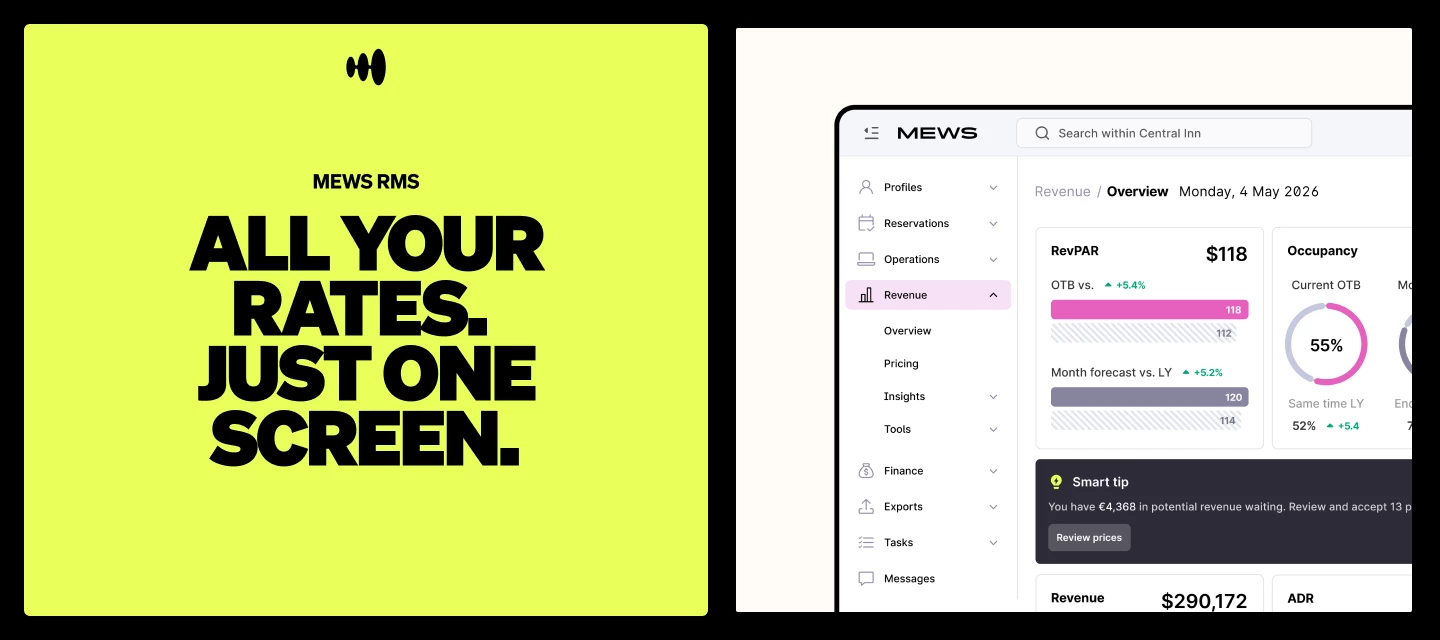



Pricing used to mean jumping between screens and switching tabs. Different rates, different dates, different space categories, different views. It was enough to make anyone dizzy. But we have good news.
The new unified pricing screen, part of the revenue workspace in Mews RMS, brings everything together so you can review and update all your rates in one screen.
All your pricing in one place
Whether a rate is being optimized by Mews RMS or managed separately – like a corporate rate, for example – you can now see and manage it all from the same screen. Select the rate or space category at the top and prices update instantly in the calendar view, click into any date for a detailed view, and make changes without switching tabs or losing context. Here's a quick walkthrough of the new pricing screen in action:
For a closer look at how Mews RMS could work for your property, book a demo here.
What you can do from one screen
Navigate between rates and space categories
Use the filters at the top to switch instantly between your RMS-optimized rates and non-optimized rates, and between different space categories. Prices, availability and occupancy update immediately.
Edit pricing for specific dates
Click into any date for a detailed daily view. Apply fixed or percentage adjustments directly from here for precise control over individual dates, without navigating elsewhere.
Make bulk changes to save time
Bulk editing lets you apply price and occupancy overrides across multiple dates and specific days of the week in one go. Update a range of weekends, set a seasonal adjustment or apply a fixed increase across your stay dates – all from the same screen.
For revenue managers already using the pricing screen, the workflow shift is real:
“I really appreciate that Mews has embedded the RMS into the PMS. It brings revenue management closer to where the daily work already happens, which makes a lot of sense.” Jonathan A, Revenue Manager – EMA House
See it in action at your property
The tab-switching, screen-jumping, head-spinning days of pricing management are over. Book a demo and see what that looks like for your property.
For a self-paced look at managing non-RMS-optimized rates, try the Mews University course.
And if you have any questions, drop them in the comments below. We’d love to hear from you.