Hello @Haris.olebull,
I’m Josue - one of the Community Ambassadors - and I’m happy to help clarify your question regarding the notification for newly created reservations.
Thanks for raising this, it’s a really good point from a day‑to‑day front office perspective. It’s great to see great commentary and suggestions on this from the Community members as well.
At the moment you can go to the Burger Menu > Settings > Services, then select your bookable service and refer to the “Options” drop-down which has:
- Order generates email - sends an email when a new order (reservation) is created for that service.
- Order generates notification -creates an in‑Mews notification for new orders for that service.
With Order generates notification enabled on your Accommodation service, front office users will see a notification in Mews each time a new reservation is created, which helps them keep track of new bookings during the day.
As an additional workflow, many properties also use the Reservation report, filtered by Created date = Today (or Today & Yesterday) and Status = Confirmed/Optional, and then set up an export schedule so the report is automatically emailed to the front office team (or any other chosen recipients). This way, they can quickly open the Excel file at the start of each shift and review all newly created reservations for that day.
I’m including our guide on scheduling exports in case you’d like to explore this option: How to schedule report exports in Mews Operations
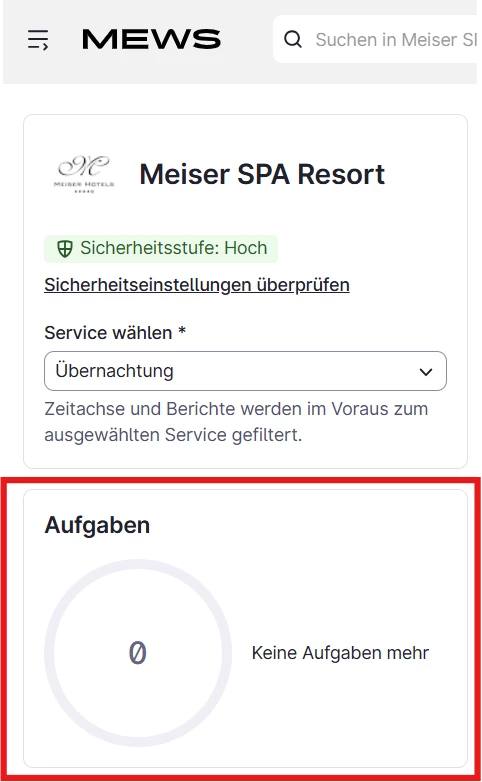
I completely understand how a visual dashboard donut or popup for “new reservations today” would make this even easier, especially with automatic room allocation, so I’ve passed this on as feedback to our product team as well.
If you have any questions, please don’t hesitate to let me know! 😎
~ Best regards