




Why this matters
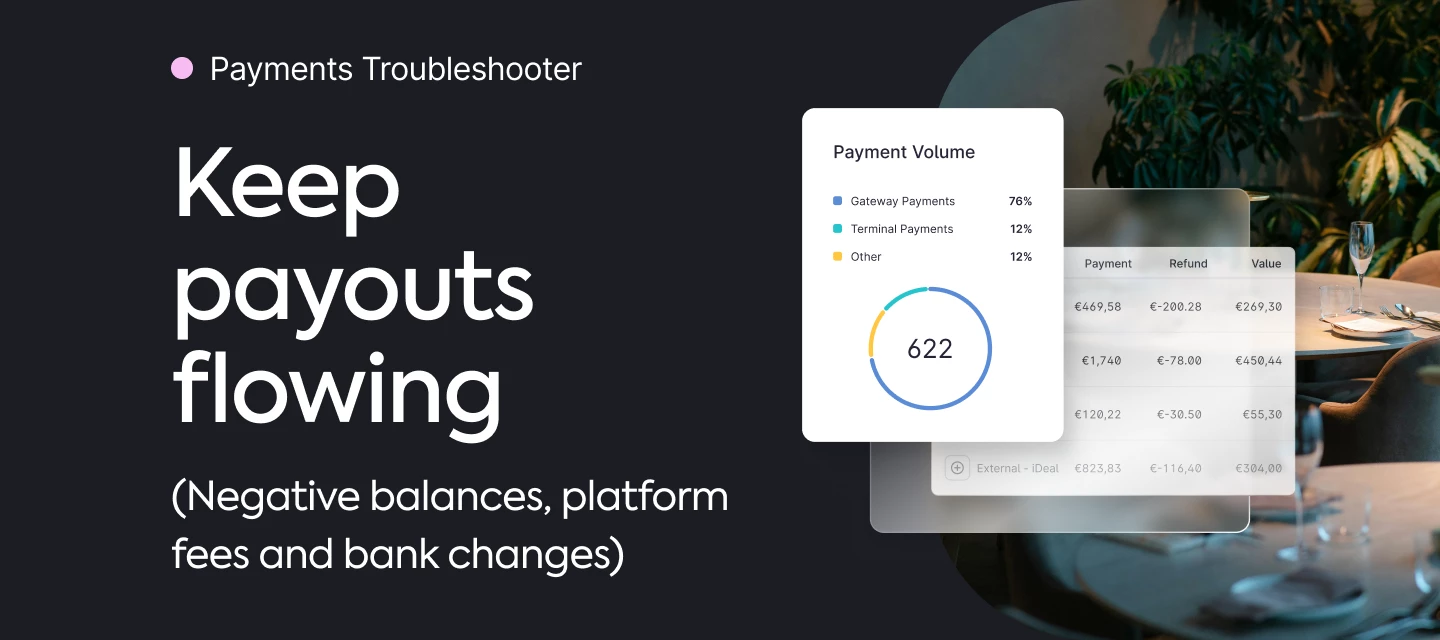
If your Mews Payments balance goes negative due to refunds, chargebacks, or platform fees, you may receive a request to top up. Knowing where to check and what to do avoids interruptions and surprises.
What’s the challenge
Teams see a negative balance or a platform-fee deduction and aren’t sure whether to pay now or wait for the next settlements; occasionally, payout bank details need updating securely.
Best-practice triage
-
First, open the Mews Payments balance (Merchant balance) to see recent payouts, charges, platform fees, and commission adjustments; compare with the Payment report to see which transactions are Charged vs Settled (only Settled hit the bank). Mews Payments balance (what you’ll see and how to use it): The Mews Payments balance report
-
If your balance is negative, new Settled charges may auto-cover it; otherwise, use the payment link/wire on the invoice to top up and return to positive sooner. You may also find you can’t refund a guest does to negative balance. Here’s a guide on how to top it up: How to top up negative Mews payments account.
-
Changing payout bank details? Use the official bank details update process and have your company name (as registered), new account details, and a recent bank statement ready. How to change my bank account for Mews Payments payouts?
👉 Checkout the Mews University course on payments here for a closer look at this topic: Payments: Cash or credit? How to process payments in Mews : Mews💡