




Why this matters
Reconciling card revenue to bank deposits can be confusing because payouts bundle many transactions, include fees/adjustments, and often don’t align 1:1 with a single day or reservation. A clear workflow cuts hours of detective work and reduces month-end stress.
What’s the challenge
Payouts can include multiple days of charges, late-settling refunds, and chargebacks, so “Net ≠ Today’s sales.” You need the right reports and a repeatable flow to match bank deposits, fees, and gross revenue correctly.
Best-practice workflow
-
Use the Payout report to see each payout batch at a glance (Gross, Fees/Commission, Net, Status), then drill into a payout to view the transactions included. This gives you your “bank-facing” view for reconciliation.
-
Use the Mews Payments balance report to click into the same payout, view platform fees, charges, and commission adjustments tied to that payout, and copy identifiers you’ll match next.
-
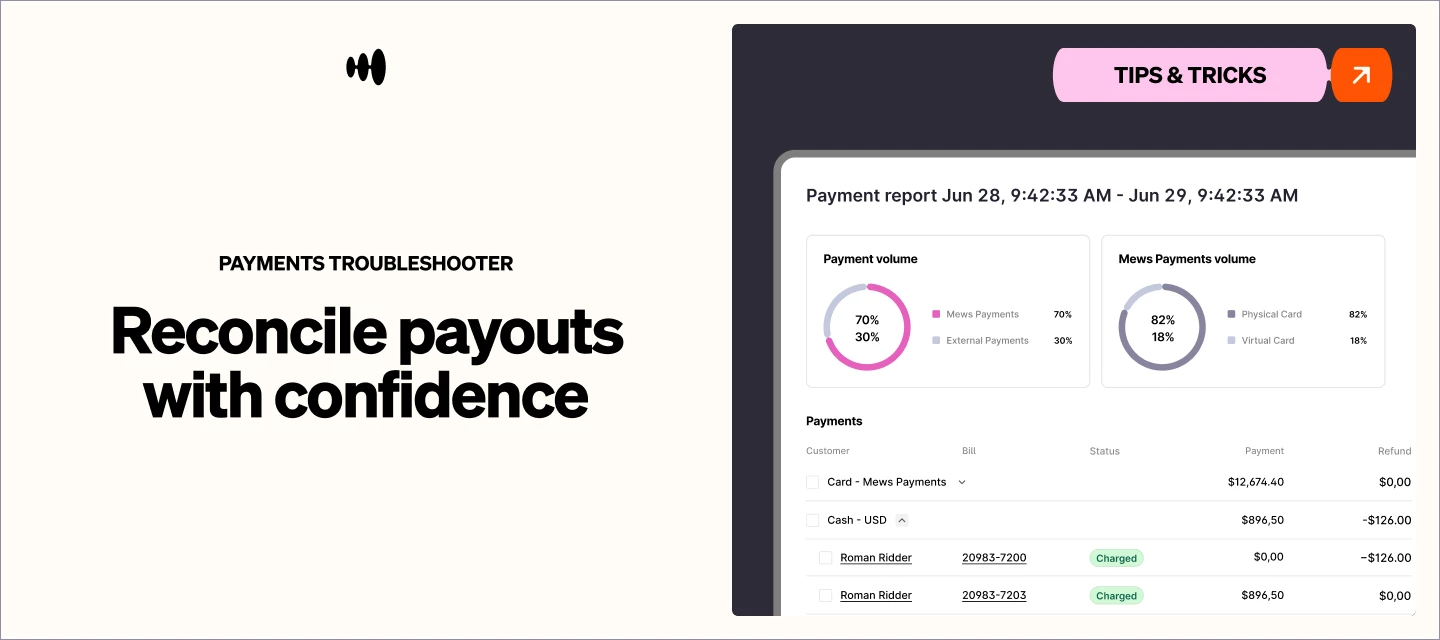
Open the Payment report, filter by relevant dates, and use Settlement ID or Identifiers to list the transactions and fees; export when you need fee columns (scheme, interchange, commission) for accounting detail.
-
For Adyen-based payouts, follow the “match payout to Payment report and Mews payments balance” how-to if you need a step-by-step with Settlement IDs and date ranges.
-
Compare totals: sum of Payment report transactions tied to that payout = Payout Gross; Fees/Commission = difference between Gross and Net; Net = bank deposit amount.
👉 Checkout the Mews University course on payment reports here for a closer look at this topic: Payment reports : Mews 💡