Great hospitality depends on being there when guests need you and remembering the details that make their stay feel personal.
But for busy hotel teams, that’s easier said than done. Guest conversations are spread across different channels, while important actions can depend on someone remembering what needs to happen at exactly the right moment.
Guest Messaging and Automations help solve both challenges.
They’re two separate products, but they work especially well together: Guest Messaging helps you manage conversations with guests in one place, while Automations helps make sure the right actions happen consistently throughout their stay.
Bring guest conversations into one place with Guest Messaging
Guests don’t think in channels. They might message you on WhatsApp before arrival, contact you through Booking.com later, and send another message during their stay.
Your team shouldn’t have to jump between different inboxes to keep up.
Guest Messaging brings guest conversations into one AI-powered inbox inside Mews, with conversations connected to the guest profile and reservation.
Guest Messaging supports:
-
WhatsApp
-
SMS
-
Mews Guest Portal
-
Expedia (coming soon)
-
Email (coming soon)
Because Guest Messaging has access to the context already available in Mews, teams can respond without repeatedly searching for information or asking guests for details you already have.
AI can handle common questions automatically, while conversations that need human attention are surfaced to your team.
The result is simple: less inbox switching, faster responses and more time for your team to focus on guests.
Make the right things happen automatically with Automations
Some of the best guest experiences come from small details.
A returning guest receives their usual welcome. A VIP gets the upgrade they were promised. Housekeeping knows an amenity needs to be delivered. A guest receives the right message at the right point in their stay.
The challenge is making those moments happen every time, regardless of who happens to be working.
Automations lets you create no-code workflows that run automatically when the conditions you define are met.
You choose the trigger and conditions, then decide what should happen next.
For example, you could create an Automation that:
-
upgrades an eligible returning guest
-
creates a task for a team member
-
triggers a VIP amenity
-
sends a guest a message
-
reminds the team about an outstanding action
You don’t have to build it from scratch, either. Tell Copilot what you want in plain language, like “upgrade returning guests who’ve stayed with us three times or more,” and it creates the Automation for you, with the trigger, conditions and actions already in place.
Once the workflow is set up, it runs consistently for every eligible guest and every shift.
That means your guest experience no longer has to depend on someone remembering a manual process.
Even more powerful together
Guest Messaging and Automations solve different problems, but together they can help teams create a much more connected guest journey.
Imagine a guest has just checked in.
With Automations, you can create a workflow that automatically sends them a personalized welcome message through Guest Messaging. That message could include useful information for their stay, such as their door access details, while inviting them to get in touch if they need anything.
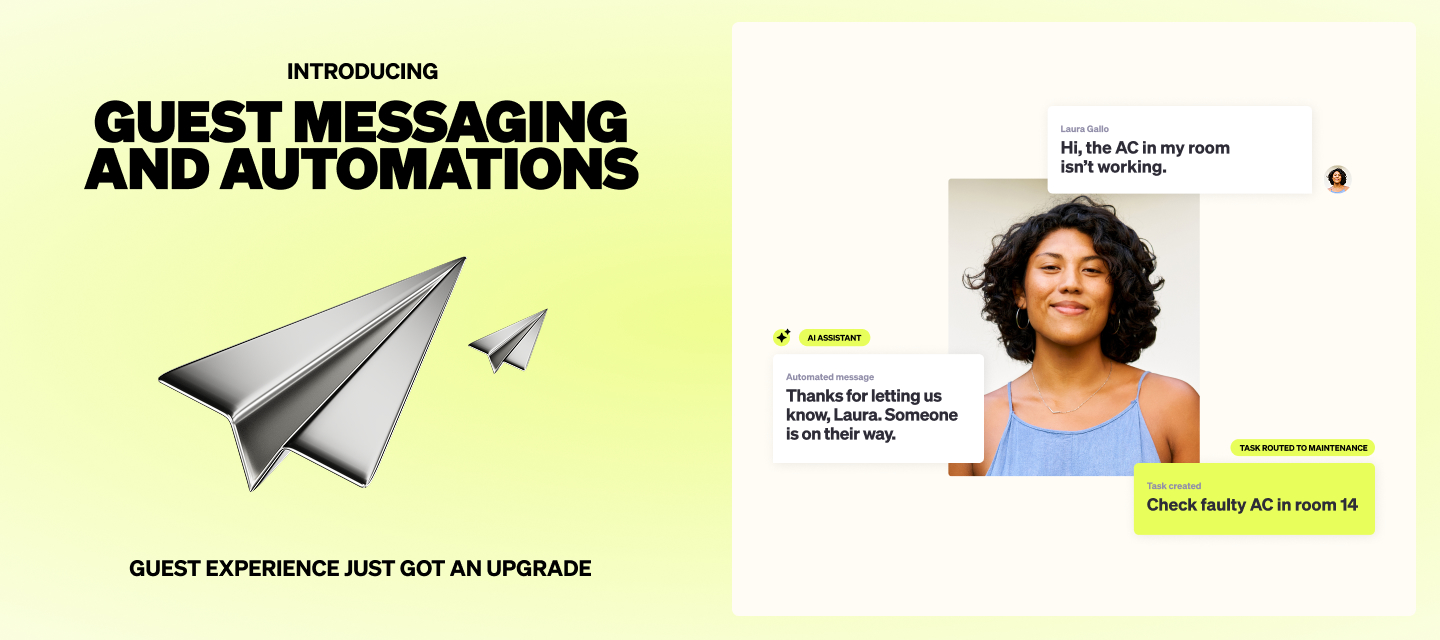
If they reply with a common question, AI can respond. If they report a problem that needs attention, the conversation can be escalated and a task created for the team.
Instead of waiting for the guest to find the right channel or for a team member to remember the next step, your workflows and guest communication can work together from the start.
See Guest Messaging and Automations in action
Guest Messaging and Automations are available now.
Want to learn more? Visit the Guest Messaging Help article and Automations Help article for details on how each product works and how to get started.