Hallo zusammen,
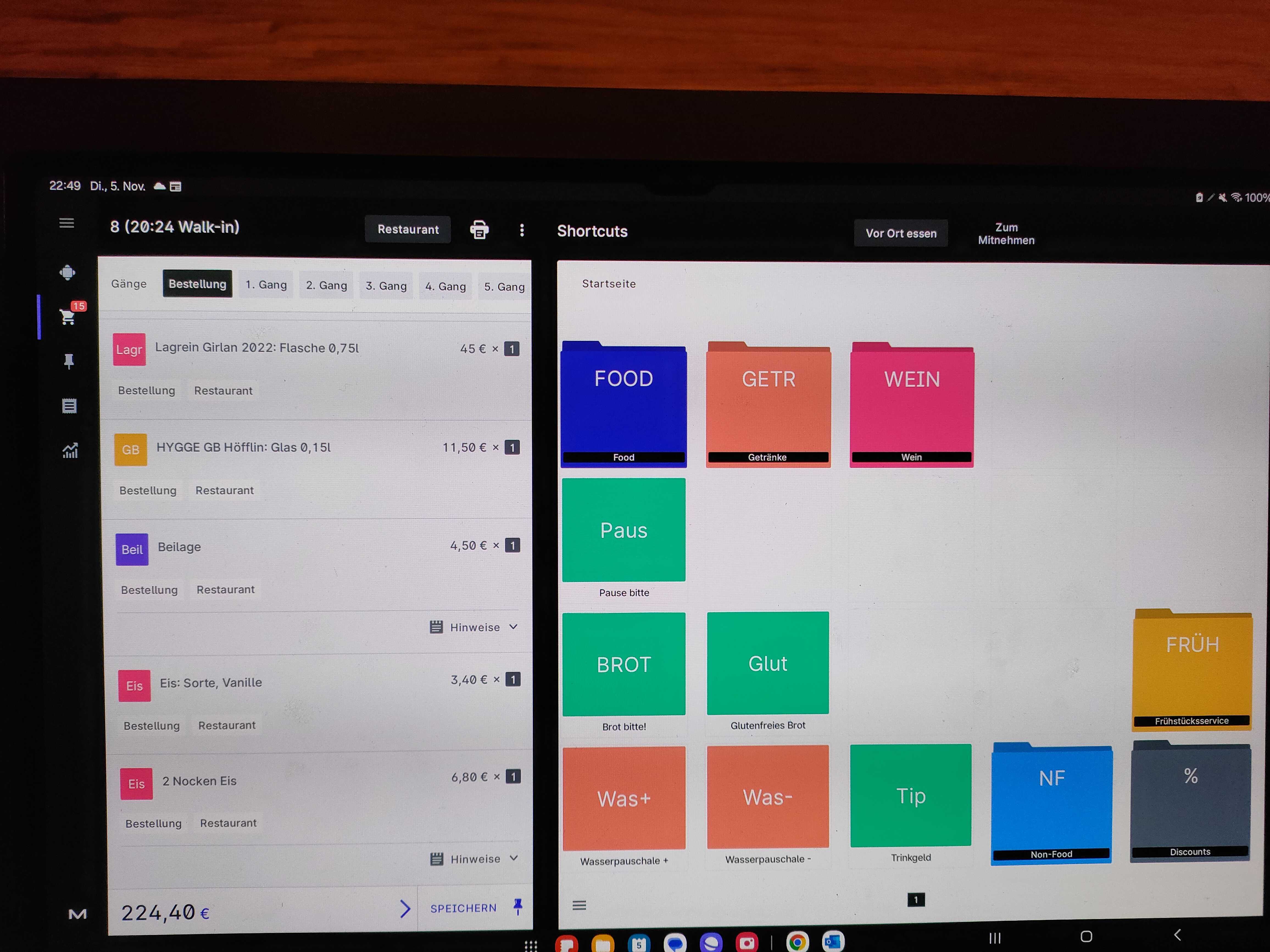
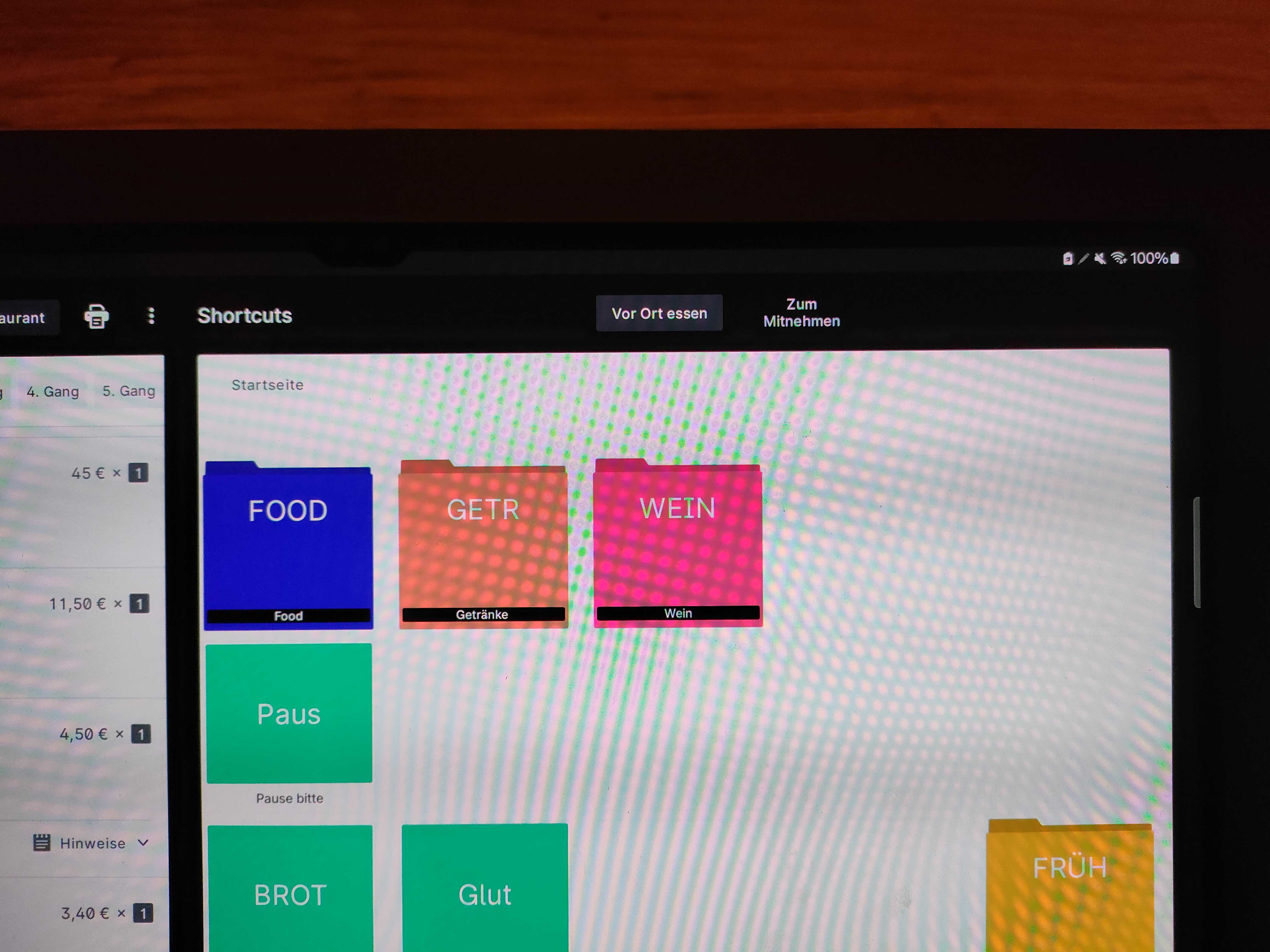
bei uns gibt es die Option rechts über den Kategorien “ Vor Ort Essen” und “Zum Mitnehmen” - gerne würde ich “Zum Mitnehmen” löschen. Man kann da automatisch eine Anpassung der MWST hinterlegen, da wir aber nichts haben, was man mitnehmen kann, würde ich das gerne deaktivieren. Ich weiß allerdings nicht wie. Hat da jemand eine Ahnung?
LG, A. Faber
Hi Aurelia!
Danke für deine Frage.
Please see the video tutorial covering this topic in more detail.
https://www.loom.com/share/aba000e73b7c483db3742a70e2d63549?sid=652c2ecb-bba2-483d-b3d0-15629ff4ea00
Ich antworte auf Englisch und Deutsch, damit es für alle verständlich ist.
[English] To disable the pricebooks functionality:
- Go to Settings → Restaurant outlet
- Change ‘Show dining options’ from ‘Dining options’ to ‘Automatic’
- Optional: You can also remove the pricebooks completely under Products → Pricebooks
[Deutsch] Um die Preisbücher-Funktion zu deaktivieren:
- Gehe zu Einstellungen / Verkaufsstellen / Restaurant
- Ändere ‘Speiseangebote anzeigen’ von ‘Dining options’ auf ‘Automatic’
- Optional: Du kannst die Preisbücher auch komplett unter Produkte → Preisbücher entfernen
Let me know if you need any clarification!
Thank you very much for the quick and great answer, now i understand the system much more and can handle the options, thanks!!!