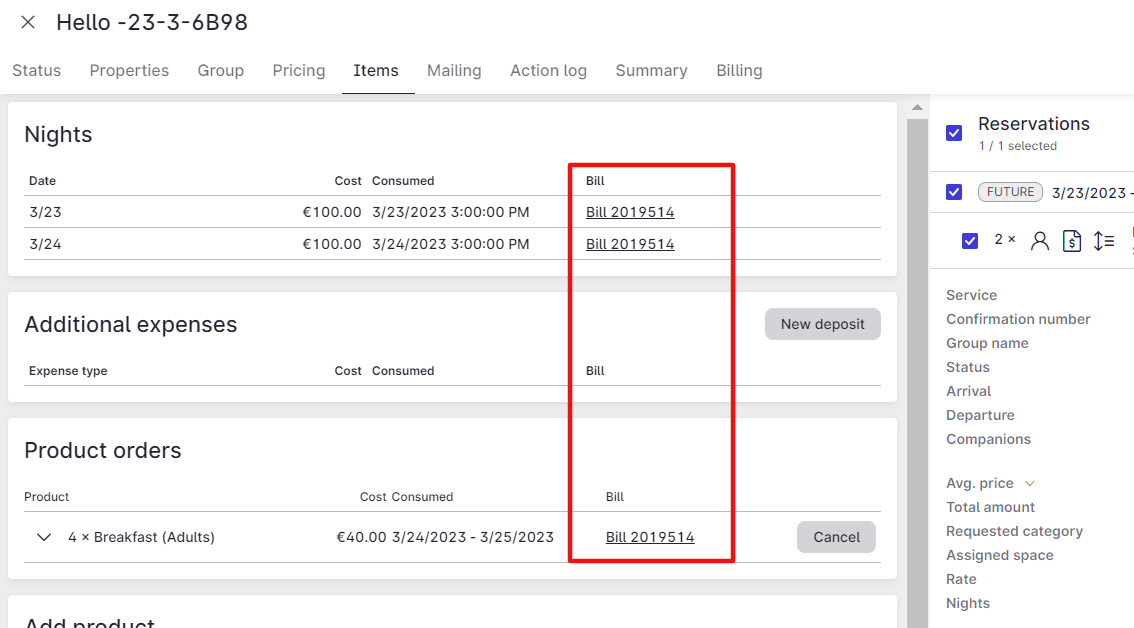
When you are in the reservation screen, you can click on the “Items” tab to see all items. Next to those items you can see the specific bills where they are closed. The Bills are also links, so you can easily click on them to preview them.
The “items” show all items and bills directly connected to the reservation (so nights and stay products).
If there were other items purchased by the guest, but not necessarily included in the reservation, those items can be viewed in the guest’s dashboard.
That is, because those items have been added as additional products/services and these are guest-centric (connected to a guest, not to a reservation)
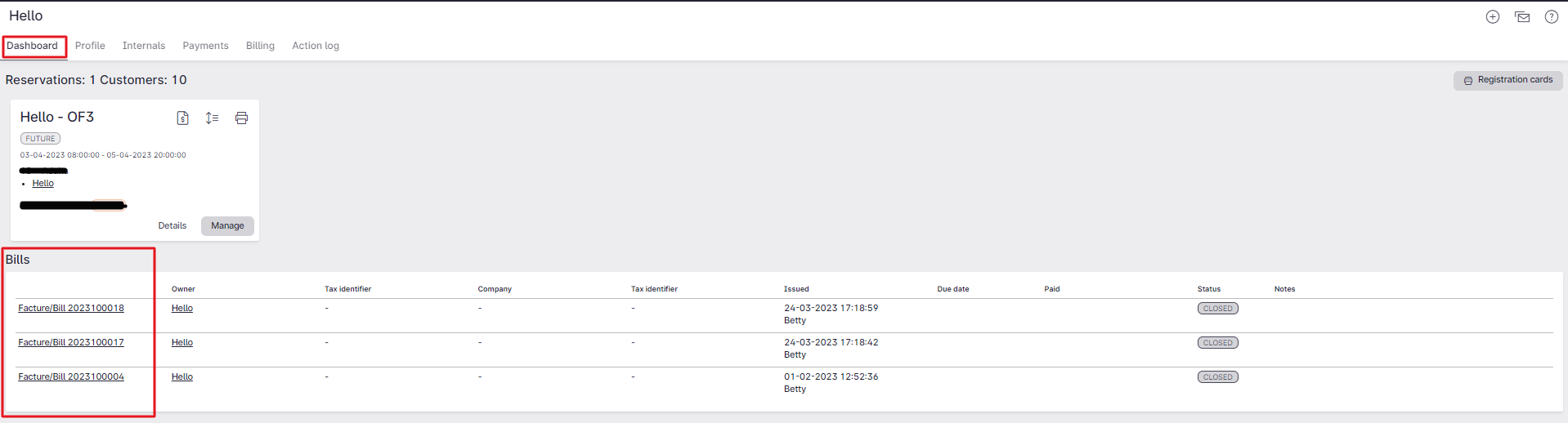
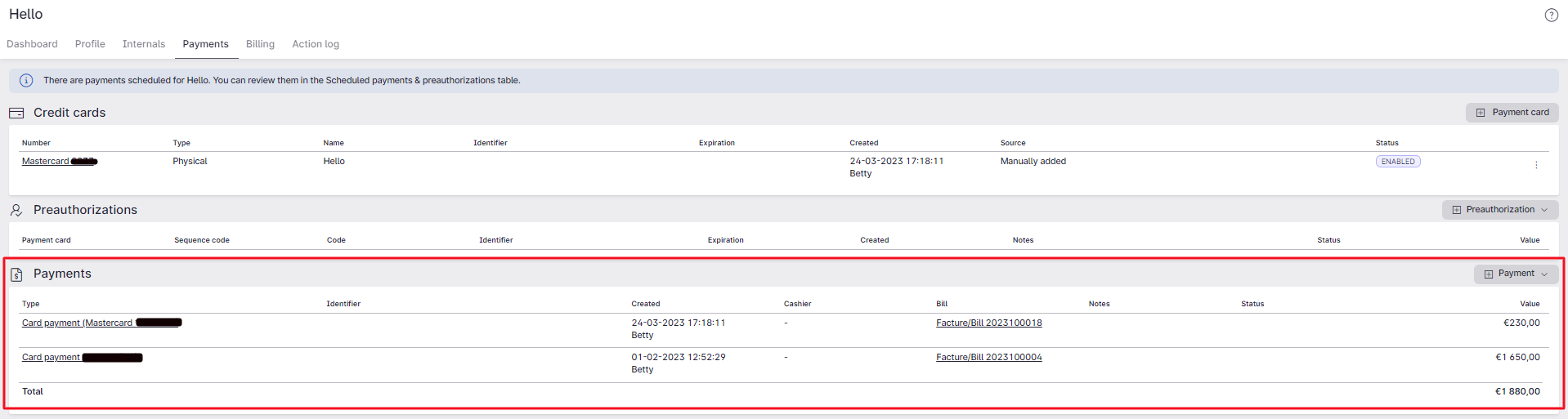
You can click on the guest’s name, which will take you to the guest’s profile. There, you may either go to the guest’s “Dashboard” to see all guest’s bills, or to “Payments” tab to see all processed payments.
With this, you will for sure cover all bills connected to the guest, and from the payment’s screen you even see the method of payment right away. However, not all bills have to be connected to the specific reservation - these will be all bills connected to all reservations of this guest.